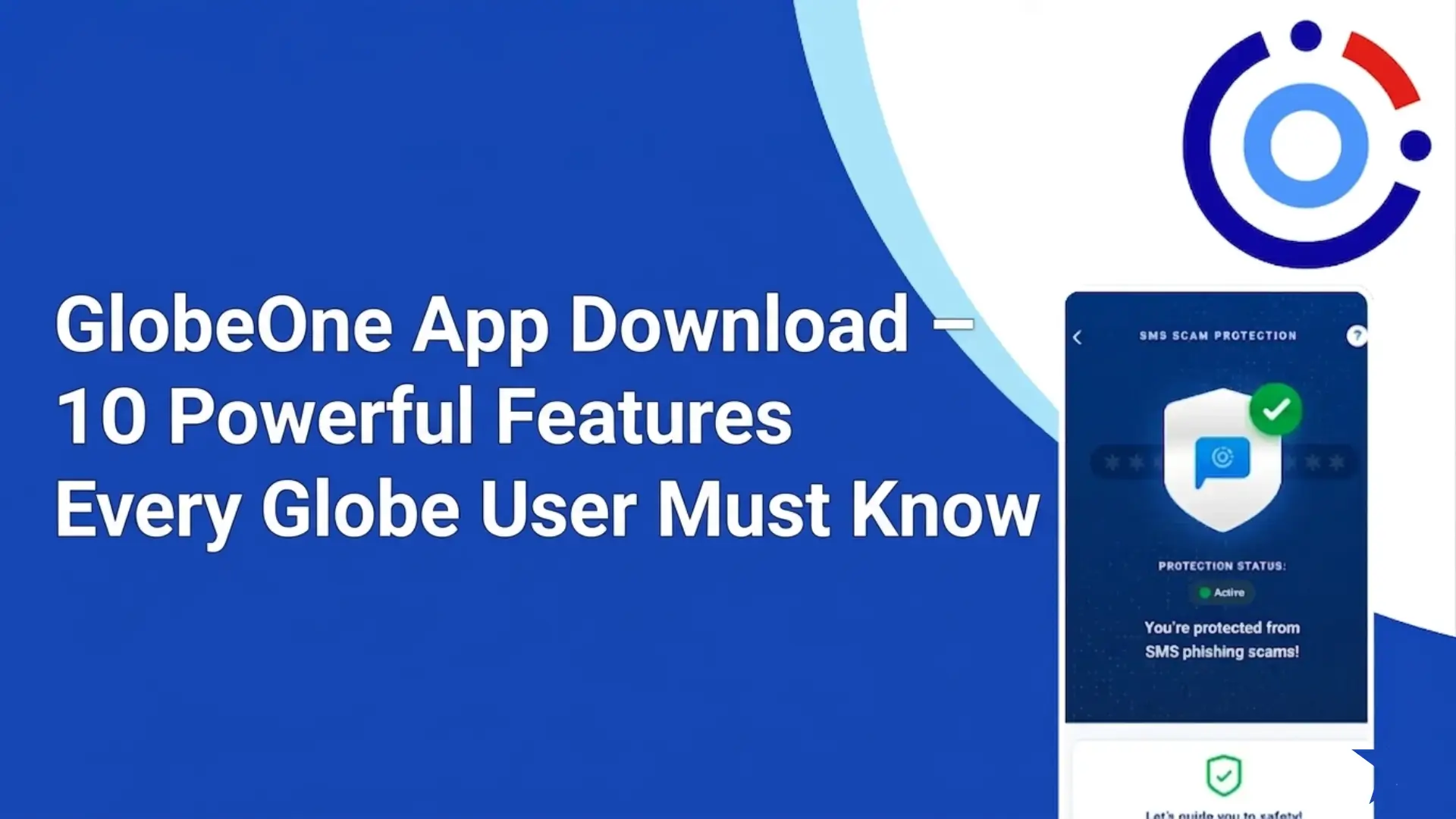
GlobeOne App Download 2026 – 10 Powerful Features Every Globe User Must Know
The GlobeOne app download is the single most important step any Globe or TM subscriber can take to fully manage their mobile account in the Philippines. I want to be upfront with you: I have been a Globe Telecom subscriber for years. I registered two of my SIM cards using the GlobeOne app — one prepaid and one postpaid — and I use it almost every week to buy promos and check my remaining data. This guide comes from that actual experience, not just reading the app’s description on the Play Store.
If you are looking to download the GlobeOne app, understand the Globe One login process, use it for Globe One app SIM registration, or figure out how to redeem points on Globe One app — you are in the right place. I will also cover less-discussed topics like using Globe One app for PC and how to track your request on GlobeOne app.
📌 Before downloading, make sure your Globe SIM is ready for registration. Our complete guide walks you through the entire process step by step:
→ Globe SIM Registration – Complete Guide 2026What Is the GlobeOne App?
The GlobeOne app is the official mobile application of Globe Telecom, Inc. — one of the two dominant telecommunications companies in the Philippines, alongside PLDT/Smart. Globe Telecom serves over 80 million subscribers across its Globe and Touch Mobile (TM) brands. GlobeOne is its unified self-service platform, replacing older apps like the Globe myAccount app.
In simple terms: it is the one app where every Globe or TM subscriber can manage their entire mobile life — from SIM registration required under Republic Act 11934 (SIM Registration Act of 2022), to paying bills, buying promos, and earning Globe Rewards points. It is free, it is official, and it is the safest way to interact with Globe’s systems.
| App Detail | Information |
|---|---|
| App Name | GlobeOne (formerly Globe myAccount) |
| Developer / Publisher | Globe Telecom, Inc. (Philippines) |
| Platforms | Android (Play Store) & iOS (App Store) |
| Play Store Rating | 4.4 ⭐ — 445,000+ verified reviews |
| Total Installs | 10 Million+ (Play Store verified) |
| App Size | ~75–100 MB (varies by device) |
| Minimum Android Version | Android 6.0 (Marshmallow) or higher |
| Minimum iOS Version | iOS 13.0 or higher |
| Age Rating | Rated for 3+ |
| Price | Free to download and use |
| PC / Desktop Version | No official web app (workaround available) |
| Networks Supported | Globe Postpaid, Globe Prepaid, TM (Touch Mobile), Globe At Home |
Why GlobeOne Is Worth Downloading: The 4-Point Case
✅ Why It Is Great
GlobeOne consolidates 8+ features into one free app — SIM registration, bill payment, promo activation, data tracking, rewards, and 24/7 support. It eliminates the need to dial USSD codes or visit a Globe store for most transactions.
📊 Why It Is Proven
Over 10 million installs on Android alone, with a 4.4-star rating from 445,000+ real reviews. Continuously updated since 2018, it survived the mass SIM registration period under RA 11934 — a stress test most apps fail.
🔒 Why It Is Trustworthy
Published directly by Globe Telecom, Inc. on official stores. Uses OTP-based verification, encrypted sessions, and complies with the Data Privacy Act of 2012 (Republic Act 10173).
🏆 Why It Is Reputable
Globe Telecom has been operating since 1935. Listed on the Philippine Stock Exchange (PSX) under GLO and majority-owned by Ayala Corporation — one of Southeast Asia’s most respected conglomerates.
GlobeOne App Download – Android, iOS, and PC
GlobeOne App Download for Android (Latest Version)
The GlobeOne app download for Android is available exclusively on the Google Play Store. Do not download APK files from third-party websites — these are often outdated or contain malware.
- Open Google Play Store on your Android phone (requires Android 6.0 or higher).
- Tap the search bar and type “GlobeOne” or “Globe One app”.
- Select the app published by Globe Telecom, Inc. — confirm the developer name matches exactly.
- Tap Install and wait for the download to complete (approximately 75–100 MB).
- Once installed, tap Open to begin account setup.
GlobeOne App Download for iPhone (iOS)
The GlobeOne app download for iPhone and iPad is available on the Apple App Store for iOS 13.0 or later.
- Open the Apple App Store on your iPhone.
- Search for “GlobeOne” in the search tab.
- Find the app by Globe Telecom, Inc. and tap Get.
- Authenticate with Face ID, Touch ID, or your Apple ID password.
- After installation completes, open the app and proceed to login or registration.
GlobeOne App for PC – How to Use on Desktop
There is no official GlobeOne app for PC as of 2026. Two practical workarounds exist:
- Android Emulator (e.g., BlueStacks, LDPlayer): Install a free Android emulator, then install GlobeOne via its built-in Play Store. BlueStacks is the most tested option.
- Google Play Games (Beta): Google’s official PC platform supports some Android apps on Windows 10/11. GlobeOne may be available depending on your region.
Globe One Login – How to Access Your Account
- Open the GlobeOne app and tap “Log In” on the welcome screen.
- Choose your login method: mobile number or email address.
- If logging in with your mobile number, verify with the OTP sent via SMS.
- If logging in with email, use the verification link sent to your inbox.
- Enter your 6-digit security PIN to complete login.
- You will land on the home dashboard showing your balance, data, and plan details.
How to Create a New GlobeOne Account
- Open the app and tap “Create an Account”.
- Enter your active Globe or TM mobile number.
- Enter the One-Time PIN (OTP) sent via SMS within the countdown timer.
- Create a 6-digit security PIN — avoid predictable combinations like 123456.
- Confirm the PIN by entering it a second time.
- Accept the Terms and Conditions and Data Privacy Policy.
- Tap “Register” — your account is now active.
Globe One App SIM Registration – Step by Step
Under Republic Act 11934, all SIM cards in the Philippines must be registered under a valid government-issued ID. The Globe One app SIM registration feature handles this entirely online. I completed mine with a PhilSys National ID.
- Log in and tap “SIM Registration” from the home screen or menu.
- Select the SIM you want to register (you can add multiple Globe/TM numbers to one account).
- Choose your ID type: PhilSys, Passport, Driver’s License, Voter’s ID, SSS, GSIS, or others accepted by Globe.
- Take a clear photo of the front of your ID — no glare, all corners visible.
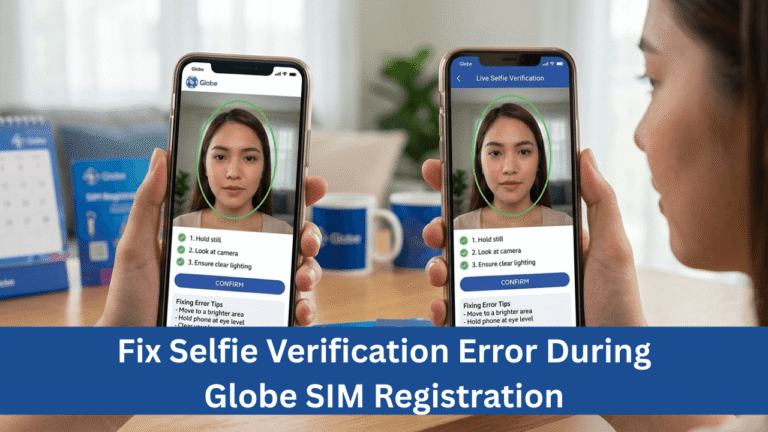
- If required, take a selfie for biometric verification.
- Fill in your full name, date of birth, and address exactly as they appear on your ID.
- Review all details and tap “Submit”.
- You will receive an SMS confirmation once approved — typically within minutes to a few hours.
📋 Need detailed requirements for Globe SIM registration? We cover accepted IDs, common rejection reasons, and the full process:
→ Globe SIM Registration Requirements – Full GuideAll GlobeOne App Features – Detailed Breakdown
📋 SIM Registration
Register Globe and TM SIM cards under RA 11934 using your government ID. Supports PhilSys, Passport, Driver’s License, Voter’s ID, and more. No store visit needed.
💳 Bill Payment
Pay Globe Postpaid, Globe At Home, and utility bills directly in the app. Accepts GCash, credit/debit cards, and bank transfers. Payments reflect within minutes.
📊 Data & Balance Tracker
Your remaining data, load balance, and validity appear on the home screen. Postpaid users see billing cycle details. Prepaid users see per-promo data breakdown.
🎁 Buy Promos
Browse all prepaid promos — GoSURF, GoUNLI, GoSAKTO, and more — and activate them instantly. No USSD codes needed. The promo catalog updates in real time.
⭐ Globe Rewards – Redeem Points
Earn points for every bill payment and promo purchase. Exchange points for free data, e-vouchers, partner discounts, and exclusive Globe deals.
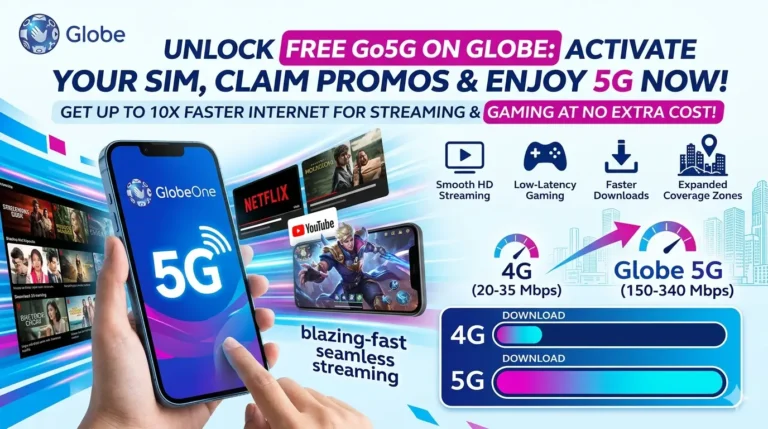
📶 SIM Upgrade (5G / eSIM)
Request a free SIM upgrade to 5G hardware or switch to a prepaid eSIM — entirely within the app. Delivery or pick-up at a Globe Store.
🌐 Globe At Home Management
Broadband subscribers can check internet speed, view billing statements, purchase add-on data, and restart their router remotely.
🎧 24/7 Customer Support
Chat with Globe’s AI chatbot (Gie) for instant answers, or escalate to a live agent. Book store appointments and track service requests from the app.
How to Track My Request on GlobeOne App
- Log in to your GlobeOne account.
- Tap the hamburger menu (☰) or navigate to “My Requests” / “Service Requests”.
- View all active and recent requests with status labels: Submitted, In Progress, Resolved, or Closed.
- Tap any request to see the full timeline — when it was received, processed, and completed.
- For SIM registration, the status shows Pending Review, Approved, or Rejected with a reason.
How to Redeem Points on GlobeOne App
- Log in and tap “Rewards” from the bottom navigation bar.
- Your current points balance appears at the top of the screen.
- Browse the rewards catalog: free data add-ons, Lazada vouchers, Grab vouchers, cinema tickets, and exclusive promos.
- Select a reward and tap “Redeem”.
- Confirm — points are deducted immediately and the reward is credited to your account or sent via SMS.
GlobeOne App Troubleshooting – Common Problems & Fixes
Problem 1: GlobeOne App Keeps Crashing
- Update the app from the Play Store or App Store — most crashes are fixed in the latest release.
- On Android: Settings → Apps → GlobeOne → Clear Cache (not Clear Data, which logs you out).
- Restart your phone and reopen the app.
- Verify your Android is 6.0+ or iOS is 13.0+. Older OS versions are no longer supported.
- If crashing persists, uninstall, restart, then reinstall from the official store.
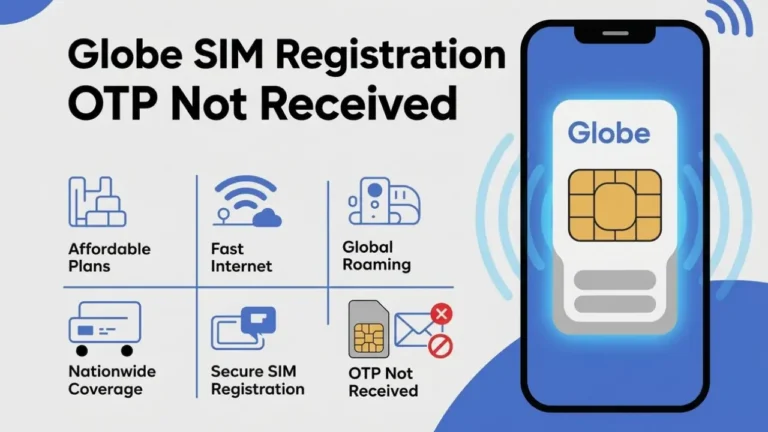
Problem 2: OTP Not Received During Login or Registration
- Confirm you entered the correct Globe or TM number — one wrong digit = no OTP.
- Check your SMS spam or blocked messages folder.
- Move to an area with better signal and try again.
- On dual-SIM phones, confirm the Globe SIM is in the active slot for SMS.
- Wait 60 seconds and tap “Resend OTP.” Do not tap it multiple times rapidly.
Problem 3: Lost Account After Update or New Phone
- Tap “Log In” → “Log in with email.”
- Enter the email address linked to your GlobeOne account.
- Click the verification link in your inbox.
- Your account is fully restored with all history, rewards, and settings.
Problem 4: SIM Registration Rejected or Stuck on “Pending”
- Name, date of birth, and address must exactly match your ID — even small mismatches cause rejection.
- Retake the ID photo: natural light, flat surface, no glare, all four corners visible.
- Try a different government ID type if the first is consistently rejected.
- If stuck on “Pending” for more than 24 hours, use Track My Request or contact Globe via in-app chat.
Problem 5: Promo Not Activating or Points Not Reflecting
- Check your prepaid load balance — many promos require a minimum balance to activate.
- Confirm you do not have an active promo of the same type already running.
- Log out, clear cache, log back in, then retry.
- For missing points after a payment: wait up to 24 hours. If still missing, contact in-app support with your payment reference number.
Download the GlobeOne App – Free
Available on Android and iOS. No hidden charges. Official Globe Telecom app.
Frequently Asked Questions
Is GlobeOne app free to download?
Yes. The GlobeOne app download free is available from both the Google Play Store and Apple App Store at no cost. Standard mobile data charges apply if you use the app on mobile data rather than WiFi.
What is the new GlobeOne app — is it different from the old Globe app?
The new GlobeOne app replaced the older Globe myAccount app. It has a completely redesigned interface, added the Globe Rewards redemption hub, integrated Globe At Home management, and introduced the SIM registration feature required under RA 11934.
Can I register a TM (Touch Mobile) SIM using GlobeOne?
Yes. Both Globe and TM SIMs can be registered through GlobeOne, since Touch Mobile is a Globe Telecom brand. The SIM registration process is identical for both.
Is there an official GlobeOne app for PC?
No official Globe One app for PC exists as of 2026. The best workaround is using an Android emulator like BlueStacks on Windows or Mac — this gives access to nearly all features including SIM registration and bill payment.
How do I track my SIM registration or service request?
Go to “My Requests” inside the GlobeOne app. You will see all submitted requests with real-time status updates. For SIM registration, statuses include Submitted, In Review, Approved, or Rejected.
How long do Globe Rewards points take to reflect?
Points typically appear within a few minutes of a successful bill payment or promo purchase. It may take up to 24 hours. If points do not appear after 24 hours, contact Globe support via in-app chat with your transaction reference number.
Is it safe to register my SIM on the GlobeOne app?
Yes. The GlobeOne app complies with the Data Privacy Act of 2012 (RA 10173). Your information is transmitted via encrypted connection directly to Globe’s servers. Never use third-party apps or websites claiming to offer Globe SIM registration.
Can I manage multiple Globe numbers from one GlobeOne account?
Yes. You can link and manage multiple Globe and TM numbers under a single GlobeOne login — useful for families or users who maintain separate prepaid and postpaid lines.
Is GlobeOne Safe? – Honest Security Analysis
Direct answer: yes, the GlobeOne app is safe — but only when downloaded from official sources.
Encrypted Data Transmission
All data uses HTTPS/TLS encryption. Login credentials, ID details, and payment info are never transmitted in plain text.
Data Privacy Act Compliant
Complies with Republic Act 10173 enforced by the National Privacy Commission (NPC). Globe Telecom is a registered personal information controller.
Official Publisher Verified
Published by Globe Telecom, Inc. directly on Google Play and Apple App Store. Both stores verify publisher identity.
What Makes It Safe
- OTP-based authentication: Every login requires a One-Time PIN sent to your registered Globe number.
- No third-party data selling: Globe’s privacy policy explicitly states they do not sell personal data to third parties without consent.
- Regular security updates: Security patches are deployed quickly when vulnerabilities are identified.
- Minimal permissions: GlobeOne only requests camera (for ID photo), SMS (for OTP auto-read), and storage.
When It Is NOT Safe
- Downloading a modified APK from a third-party website — these can contain malware or keyloggers.
- Sharing your 6-digit PIN with anyone (Globe will never ask for your PIN).
- Using GlobeOne on a rooted or jailbroken device.
- Clicking on phishing links via SMS or email that mimic the GlobeOne login page.
For data privacy guidance in the Philippines, the National Privacy Commission (NPC) official website covers how companies must handle personal data under RA 10173.
GlobeOne vs Smart App – Which Is Better?
The two dominant telecom self-service apps in the Philippines are GlobeOne (Globe/TM) and the GigaLife App (Smart/TNT/Sun). Here is a detailed side-by-side comparison.
| Feature | 🔵 GlobeOne App | 🔴 GigaLife App (Smart) |
|---|---|---|
| Networks Covered | Globe, TM | Smart, TNT, Sun Cellular |
| Play Store Rating | 4.4 ⭐ (445K+ reviews) | 4.2 ⭐ (varies) |
| Total Installs | 10 Million+ | 5 Million+ |
| SIM Registration (RA 11934) | ✅ Full in-app flow | ✅ Full in-app flow |
| Bill Payment | ✅ Postpaid + At Home | ✅ Postpaid |
| Promo Browsing & Activation | ✅ Extensive catalog | ✅ Extensive catalog |
| Rewards / Points System | ✅ Globe Rewards (robust) | ✅ Smart Rewards (limited) |
| Broadband / Home Internet | ✅ Globe At Home integrated | ❌ Separate app needed |
| 5G SIM / eSIM Upgrade | ✅ In-app upgrade request | ✅ Available |
| 24/7 Live Chat Support | ✅ Chatbot + live agents | ✅ Smart chatbot |
| PC / Web Version | ❌ Mobile only | ❌ Mobile only |
| Request Tracker | ✅ In-app status tracking | ❌ Not available in-app |
| Data Usage Breakdown | ✅ Per-promo breakdown | ✅ Basic breakdown |
For a broader comparison of Philippine telecom networks, the National Telecommunications Commission (NTC) Philippines publishes official data on network performance and subscriber statistics.
🔍 Still need help with your Globe SIM registration? Our step-by-step guide covers all accepted IDs, the full online process, and what to do if your registration is rejected:
→ Complete Globe SIM Registration Guide – globesimregistrations.netFinal Verdict: After using the GlobeOne app personally across prepaid and postpaid lines, I can say with confidence that it is the best way to manage a Globe or TM account in 2026. It has replaced multiple apps and store visits in my routine, and the SIM registration process — which I personally completed twice — is genuinely smooth and well-designed. With 10 million+ downloads, a 4.4-star rating, and the institutional backing of Globe Telecom, Ayala Corporation, and legal compliance with Philippine data privacy law, it checks every box for trust and usability. Download it once from the official Play Store or App Store, and it becomes an app you will use every week.

Ryan Tan is a Globe SIM registration expert with 4+ years at Globe Telecom Philippines. He specializes in GlobeOne app, PasaLoad, APN settings, PUK codes, and GCash loading. Ryan Tan shares hands-on tips for seamless telecom services. Connect on LinkedIn or visit his Globe profile. In free time, he explores mobile tech with family.